Waypointing your maps for bots
1. Start your map in coop-edit mode. [/coop (mapname)] (if it's a map with bases or flags, choose capture or ctf, you can)
2. type /aidebug 6, then /dropwaypoints 1
3. Optionnaly, you can change max waypoint seeing distance with /showwaypointsradius (value, default 200).
4. Run in all the map, go on playerstarts and team playerstarts, ammo, bases, flags (avoid floating flags !!), avoid jumping while unnecessary. [do not weapon jump and take too risks]
5. When it's good, type /savewaypoints
Tip : You have 2 maps with same geometry but not same textures or entities ? type /savewaypoints (mapname)
6. Type /aidebug 0 and /dropwaypoints 0
7.
Enjoy !
Mapping with /skytexture 0
1. Go in edit mode and type /skytexture 0
2,3,4. By default clip does not clip projectiles and shots. To do weapon clip (anti-camp), create a skytexture-0-textured block and noclip it. To do player and weapon clip, simply create a skytexture-0-textured block.
5.
Enjoy !
Refer to the Packaging Guide for information on how to fix this.
Screenshots let people get a feel for your work, and is the most important part of a node. They should be the correct size, and have no heads up display elements. Refer to the User's Guide for information on how to fix this.
I really need some help I am new to this and I need some help I want to use the hk_menu thing but I cant get it to work with my Mac. Please help me.
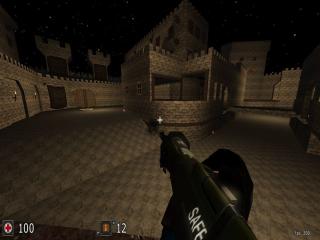
![AssaultCube Sniper Crosshairs [Update 1]](http://quadropolis.us/files/prevsnipe_th.jpg)
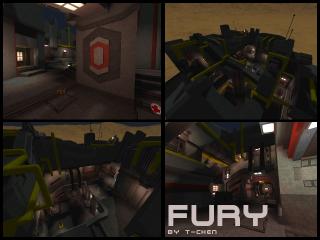
Hey people, i was searching for days on google, but i cant find any good looped textures, somone maybe knows a good homepage for textures?
would be nice
thanks in advance - MisanthropX